Background
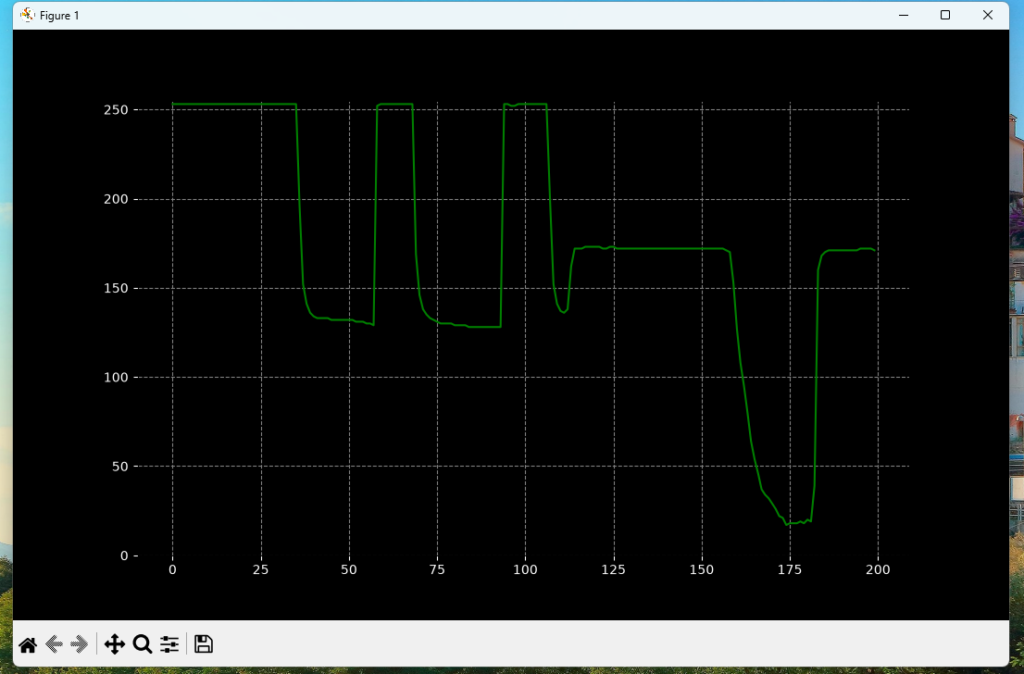
The AVR’s ADC hardware peripheral will be used to measure the voltage generated from an LDR. It will be displayed on a computer, thereby creating a poor-mans oscilloscope.
The Theory
We’ll configure the ADC to run in free-running mode. We enable this by enabling auto-triggering mode. When an ADC conversion completes, this is the trigger to begin a new ADC conversion. This repeats infinitely.
Hardware Connections
8 LED’s with current-limiting resistors connected on PORTB.
A voltage divider consisting of LDR on upper leg and a 10k on the bottom leg. The halfway point connects to PC0.
The Software
The project consists of two files. The complete source code is available in the GitHub repository.
main.c
We configure ADC for free-running mode, self-triggering. Results are transmitted via UART.
2. serial_scope.py reads the serial port and plots the values
Expanding on Poor-Mans Oscilloscope
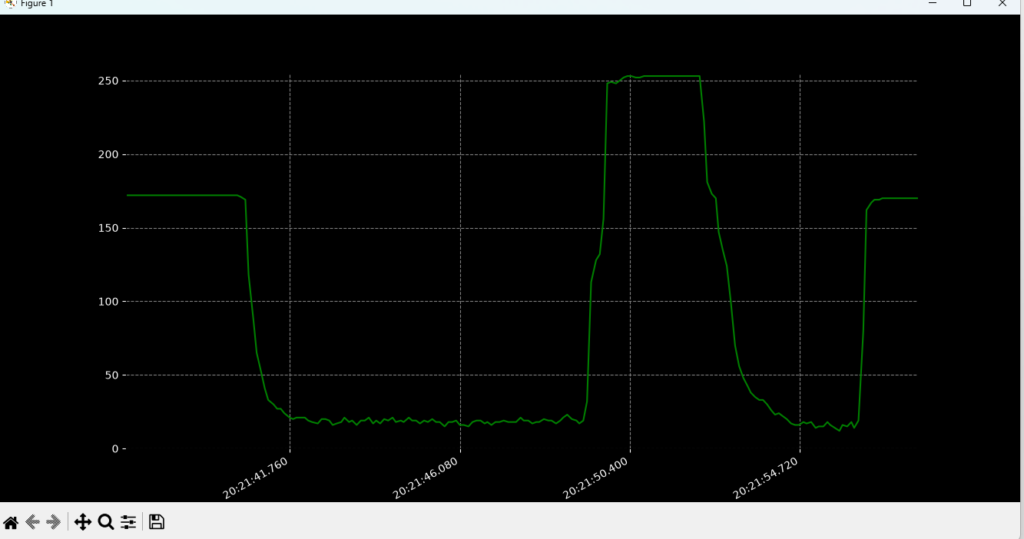
Let’s add some X-Factor to the project, both of these introduce a visual upgrade made possible due to matplotlib. 2 extensions of Poor-Mans Oscilloscope is available:
serial_scope_timestamped.pyadds timestamps. The graph is continuously refreshed as new readings arrive over serial.serial_scope_to_csv.pywrites the values to a.csvin case you would like to interpret the data and store it.